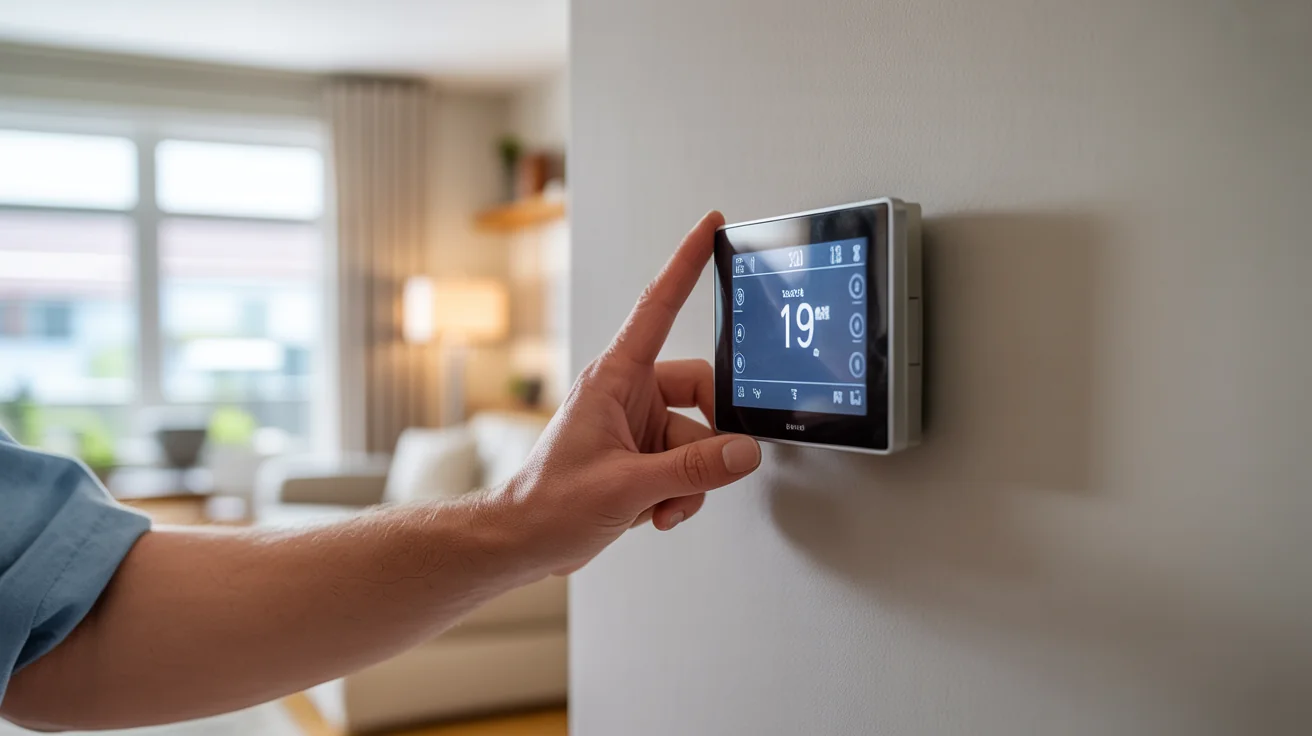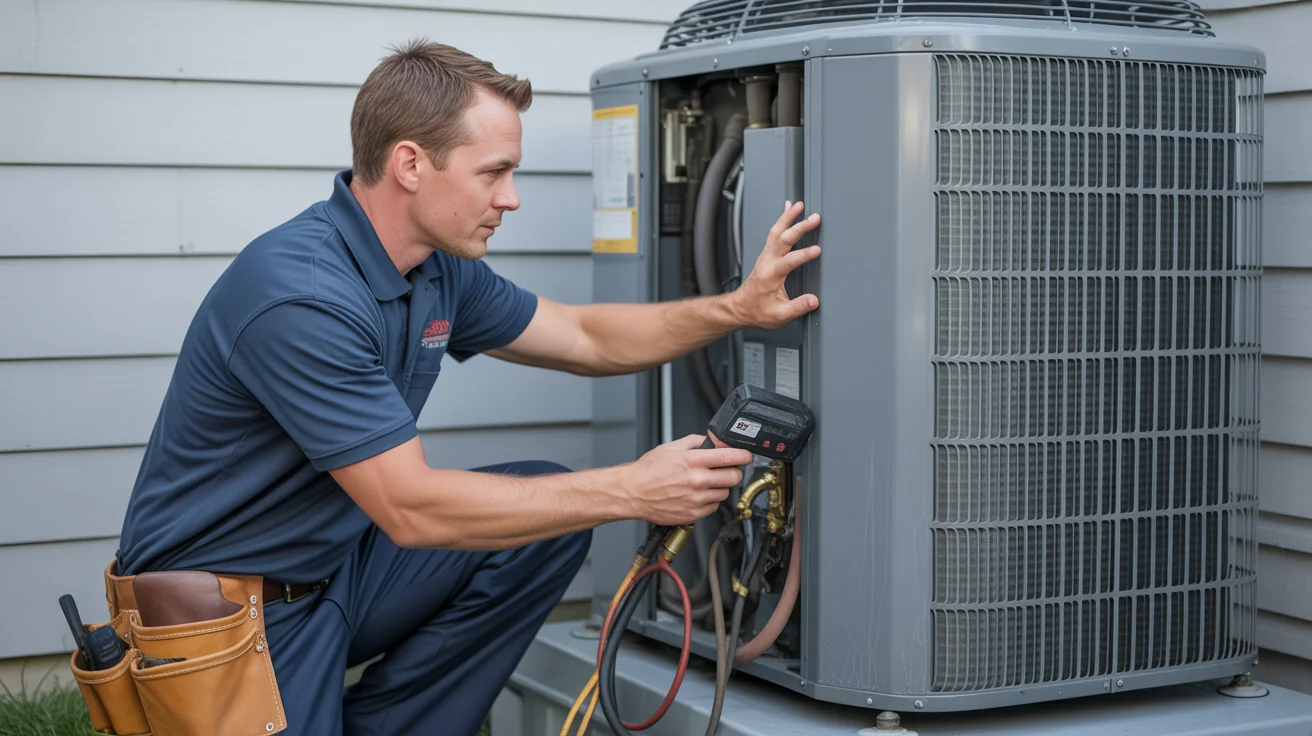
Smart Thermostat Installation Guide North Texas: Professional Installation & Setup
Complete North Texas smart thermostat installation guide covering compatibility, professional installation, energy savings, and smart home integration.
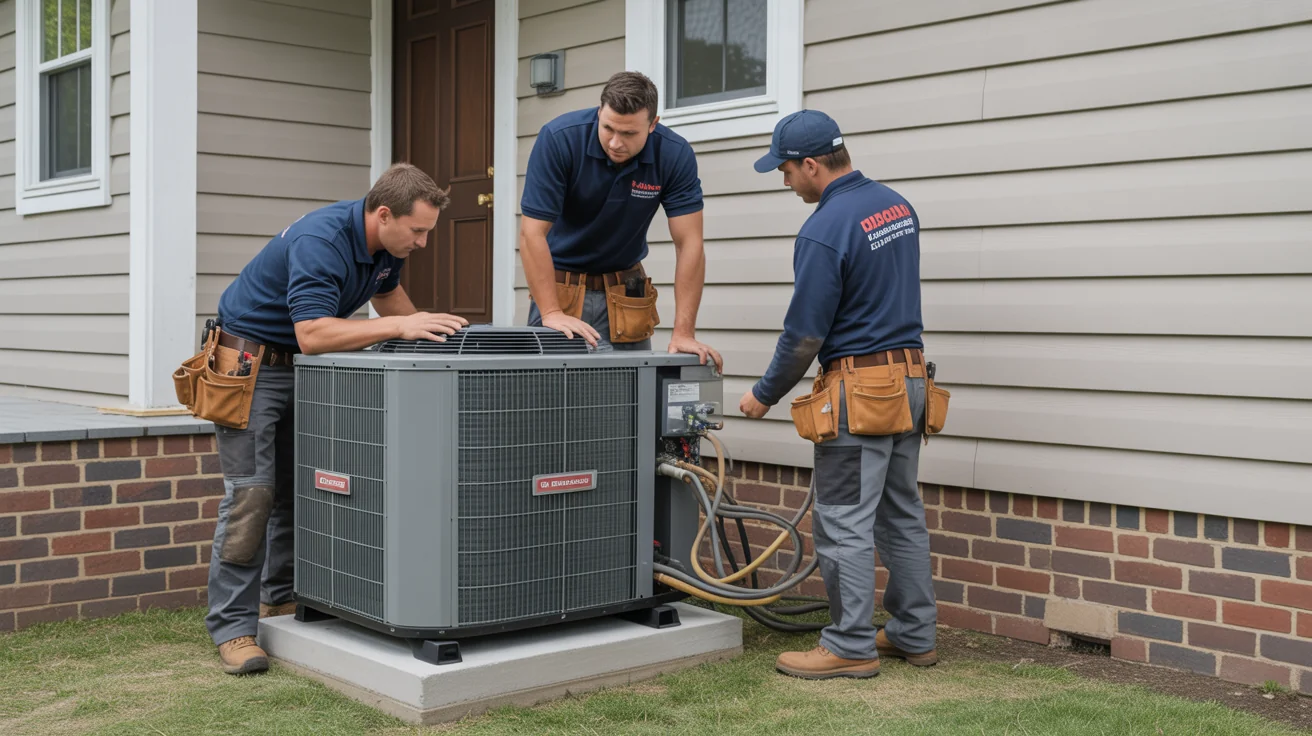
- How Smart Thermostats Transform Energy Efficiency in North Texas
- Why North Texas Demands Smart Thermostat Technology
- Smart Thermostat Benefits for North Texas Homes
- Professional Installation vs DIY: North Texas Considerations
- Top Smart Thermostats for North Texas Climate
- Smart Thermostat Installation Process: Professional Steps
- Maximizing Energy Savings: North Texas Optimization
- Smart Home Integration for North Texas Homes
+ 10 more sections below...
- How Smart Thermostats Transform Energy Efficiency in North Texas
- Why North Texas Demands Smart Thermostat Technology
- Smart Thermostat Benefits for North Texas Homes
- Professional Installation vs DIY: North Texas Considerations
- Top Smart Thermostats for North Texas Climate
- Smart Thermostat Installation Process: Professional Steps
- Maximizing Energy Savings: North Texas Optimization
- Smart Home Integration for North Texas Homes
+ 10 more sections below...
Professional smart thermostat installation in North Texas runs $150-$400, device included. I install Ecobee Premium ($249), Google Nest Learning ($249), and Honeywell T6 Pro ($150-$200) across all eight cities we serve. The biggest thing people don’t realize? It’s not just swapping a box on the wall. Getting the wiring right, checking C-wire compatibility, and actually programming the thing for your specific system is where the real savings come from. Most of my customers see 15-25% lower heating and cooling bills after we’re done.
How Smart Thermostats Transform Energy Efficiency in North Texas
Related: Energy Efficiency
I did a smart thermostat installation last spring for a family in Frisco. Nice house, about 3,200 square feet. They were paying close to $2,800 a year just in cooling costs. After I put in the right thermostat and actually spent time programming it for their schedule and our weather patterns, their costs dropped to around $1,450. Almost cut in half. And the house feels more comfortable now, which is the part nobody expects.
Here’s what bugs me: most homeowners in North Texas are paying way more than they should on energy bills because their thermostat is basically a glorified on/off switch. I’d estimate 7 out of 10 homes I walk into still have a basic programmable thermostat that nobody ever programmed. It just sits there at 72 degrees all day, every day, no matter what.
Smart thermostats aren’t a gimmick. Not out here. Our climate is genuinely brutal on HVAC systems, and a thermostat that can actually think ahead makes a real difference. But I’ve also seen plenty of DIY installs where people watched a YouTube video, wired something wrong, and ended up calling me anyway. Professional thermostat installation makes sure everything talks to your specific HVAC system the way it should.
Need a smart thermostat installed? Call Jupitair HVAC at (940) 390-5676 for same-day service across North Texas.
Why North Texas Demands Smart Thermostat Technology
North Texas weather is not normal. I know everybody says their weather is crazy, but we genuinely get some wild swings out here.
Why North Texas Weather Destroys Basic Thermostats
When it’s 108 outside, your thermostat needs to do more than flip the AC on and hope for the best. It needs to stage your cooling equipment properly, manage humidity levels, and anticipate what’s coming next. A basic thermostat doesn’t know the difference between a 95-degree afternoon and a 108-degree heat dome. It just runs until it hits your set temperature or gives up trying.
And then there’s spring. I’ve literally watched the temperature drop 30 degrees in four hours during a front. Your system goes from full cooling to needing heat, and a dumb thermostat handles that about as well as you’d expect. Smart thermostats pull weather data and start adjusting before the front even arrives.
Winter is sneaky too. Heat pumps need careful management of defrost cycles and backup heat staging. I can’t tell you how many times I’ve seen a basic thermostat kick on expensive auxiliary heat strips when the heat pump could’ve handled it fine with proper staging. That’s money straight out of your pocket.
The Energy Cost Reality That’s Crushing North Texas Homeowners
Here’s something most people don’t know: electricity pricing in Texas varies wildly throughout the day. What costs 8 cents per kilowatt-hour at 2 AM can cost 25 cents at 4 PM on a hot summer afternoon. A smart thermostat knows this. It pre-cools your house in the morning when electricity is cheap, then backs off during peak hours when prices spike.
There are also demand response programs where your utility will actually pay you credits to let them bump your thermostat up a couple degrees during grid stress events. Free money, basically. But you need a smart thermostat to participate.
Smart Thermostat Benefits for North Texas Homes
Immediate Energy Savings
Average North Texas Savings:
Cooling costs typically drop 18-25% during summer. That’s the big one. When your thermostat actually knows your schedule and can pre-cool before peak pricing, the numbers add up fast. Winter heating savings run 12-18% since the thermostat optimizes heat pump operation and avoids firing up auxiliary heat unnecessarily.
For a typical 2,500 square foot home in our area, that works out to $450-850 per year. I’ve had customers save even more, but those numbers are realistic for most families. The savings compound when you factor in peak demand avoidance, which is where the real money is during summer afternoons.
Advanced Climate Control Features
Essential North Texas Capabilities:
Geofencing is probably my favorite feature to set up. Your thermostat tracks your family’s phones and starts cooling the house down before anyone gets home. No more walking into a hot house. No more cooling an empty house all day either.
Weather integration is huge for us. The thermostat pulls forecast data and pre-cools before a heat wave hits, storing cooling capacity in your home’s thermal mass when electricity is cheaper. It’s genuinely clever.
Humidity control matters more than people think around here. There are stretches in late summer where the temperature drops to 85 but the humidity makes it feel like 95. A smart thermostat coordinates cooling and dehumidification so you’re actually comfortable, not just at the right temperature.
And if you’ve got a multi-stage or variable-speed system, a smart thermostat gets way more out of it than a basic one ever could. It’s like putting a professional driver behind the wheel instead of someone who just learned to drive.
Smart Home Integration
Connected Home Benefits:
Voice control through Alexa or Google Assistant is nice. I’ll be honest, I thought it was a novelty at first, but after having it in my own house for a while, I use it constantly. “Hey Google, set it to 74.” Done.
The smartphone apps are where it really shines, though. You’re on vacation and realize you forgot to adjust the thermostat? Pull out your phone, fix it in ten seconds. Your schedule changes last minute? Same thing.
Energy reports help you spot patterns you wouldn’t notice otherwise. And maintenance alerts remind you when it’s time to change your filter or schedule a tune-up. Your thermostat becomes kind of like an assistant for your whole HVAC system.
Professional Installation vs DIY: North Texas Considerations
Why Professional Installation Matters
Compatibility Challenges:
Look, I get it. The box says “easy install” and there are fifty YouTube videos showing you how. But here’s what those videos don’t cover: North Texas homes have a huge variety of HVAC setups. Heat pumps, two-stage ACs, variable-speed blowers, dual fuel systems. Your neighbor’s thermostat install might look nothing like yours.
I need to assess what system you’ve got before I even open the thermostat box. Then I check your wiring. A lot of homes around here don’t have a C-wire, which most smart thermostats need for power. Running one isn’t hard for me, but it trips up DIYers constantly.
Multi-stage systems need specific configuration to work right. If your Nest doesn’t know you have two-stage cooling, it won’t use the first stage efficiently. You’ll burn more energy than you should and wonder why your smart thermostat isn’t saving you anything.
Common DIY Mistakes:
The one I see most often: wrong wiring. Someone mixes up the Y and W terminals and now their AC is trying to heat and their furnace is trying to cool. I’ve seen this blow transformer fuses. One guy in Allen fried his control board because he crossed the R and C wires. That turned a $200 thermostat install into an $800 repair.
Skipping the compatibility check is another big one. Not every thermostat works with every system. And even when it does “work,” it might not support all your system’s features. Then there’s calibration. An uncalibrated thermostat might read 72 when the room is really 75. Three degrees off doesn’t sound like much until you realize your system is running way more than it needs to.
Professional Installation Process
Jupitair’s Systematic Approach:
- Pre-Installation Assessment
- HVAC system compatibility evaluation
- Existing thermostat wiring analysis
- Smart home network assessment
- Energy usage pattern review
- Safe Installation Procedures
- Power shutdown and safety verification
- Professional wiring and connections
- System integration and testing
- Calibration for peak performance
- Setup and Programming
- WiFi network configuration
- Smartphone app installation and setup
- Schedule programming for household routines
- Advanced feature activation and training
Top Smart Thermostats for North Texas Climate
Nest Learning Thermostat (4th Gen)
Key Features:
The Nest learns your habits. That’s its whole thing. You adjust the temperature manually for about a week, and then it starts doing it for you. The Farsight display is also nice since you can see the temperature from across the room without squinting. Works with most HVAC systems including heat pumps and multi-stage setups.
I’ll be upfront: I used to be skeptical about the “learning” part. But after installing hundreds of these, I’ve come around. It genuinely picks up on patterns. If you always bump it down to 74 when you get home from work at 5:30, within a few days it starts doing that automatically.
North Texas Advantages:
- Learns family schedules automatically
- Integrates with Texas energy providers
- Handles multi-stage cooling systems
- Provides detailed energy reports
Professional Installation Cost: $325-450 including setup
Ecobee Smart Thermostat Premium
Advanced Capabilities:
The Ecobee is what I usually recommend for larger homes. Built-in Alexa is convenient, but the real selling point is the room sensors. You put one in the bedroom, one in the living room, one in the kids’ playroom, and the thermostat uses all of them to figure out where people actually are and what the temperature is in those rooms. Not just the hallway where the thermostat lives.
This matters a ton in two-story North Texas homes where the upstairs can be 5-8 degrees warmer than downstairs. The Ecobee actually does something about that instead of just averaging everything out.
Ideal for North Texas:
- Remote sensor capability for large homes
- Advanced humidity control features
- Integration with solar panel systems
- Detailed analytics for cost optimization
Professional Installation Cost: $375-525 including sensors
Honeywell Home T9 Smart Thermostat
Professional-Grade Features:
Honeywell is the workhorse. It’s what I grew up installing before smart thermostats were a thing, and the T9 carries that reliability into the smart era. Room sensors, geofencing, flexible scheduling. It does everything you need without trying to be flashy about it.
Contractors tend to prefer Honeywell because the installation process is familiar and the equipment is built to last. I’ve never had a Honeywell fail on me prematurely. Can’t say that about every brand.
North Texas Benefits:
- Handles extreme temperature variations
- Integrates with home security systems
- Professional setup ensures peak performance
- Excellent warranty and support
Professional Installation Cost: $295-425 including programming
Smart Thermostat Installation Process: Professional Steps
Phase 1: System Assessment and Planning
Pre-Installation Evaluation:
Before I touch anything, I need to understand what I’m working with. What kind of system do you have? How old is the wiring? Is your WiFi strong enough where the thermostat sits? What does your energy usage look like right now? These questions matter because they determine which thermostat is right for you and how the install is going to go.
Jupitair’s Assessment Includes:
- Complete system compatibility analysis
- Wiring diagram creation for reference
- Smart home integration planning
- Energy savings projection calculation
Phase 2: Professional Installation
Safe Installation Protocol:
- Power shutdown at breaker and HVAC disconnect
- Existing thermostat removal with wire identification
- Wall preparation and mounting plate installation
- Professional wiring following manufacturer specs
- System connection and initial power-up testing
Quality Assurance Steps:
I test every mode after installation. Heat, cool, auto, fan only. I’m not leaving until everything works the way it should. I also verify the wiring connections are solid, check code compliance, and make sure the thermostat is reading the actual room temperature accurately. I’ve seen too many installs where someone left before testing and the homeowner discovered issues later that night.
Phase 3: Setup and Programming
Complete System Configuration:
This is the part most DIYers skip or rush through, and it’s honestly where half the energy savings come from. I set up your WiFi connection, install the app on your phone, and actually sit down with you to program schedules that match your life. Not some generic “away at 8, home at 5” nonsense, but your real schedule.
Customer Training Includes:
- App navigation and remote control features
- Schedule adjustment for changing needs
- Energy report interpretation for continued optimization
- Troubleshooting guidance for minor issues
Maximizing Energy Savings: North Texas Optimization
Seasonal Programming Strategies
Summer Optimization (May-September):
Here’s what I set up for most customers during summer: 78 degrees when you’re away (I know, some people hate hearing that, but it works). Pre-cooling kicks in before peak rate hours from 2-7 PM so you’re already comfortable without paying premium prices. Nighttime can go up to 80-82 with fan circulation since your body acclimates while sleeping. And humidity control stays active during those muggy stretches in August and September.
Winter Settings (December-February):
68 degrees while you’re home, 65 overnight. The key in winter is heat pump optimization. I program the thermostat to avoid triggering auxiliary heat strips whenever possible because those things eat electricity for breakfast. Smart recovery mode gradually brings the temperature up to your wake-up setting instead of blasting the heat all at once.
Advanced Energy-Saving Features
Geofencing Optimization:
Automatic away mode kicks in when everyone’s phones leave the geofence zone. Smart return timing starts conditioning the house before the first person arrives. Vacation mode for trips. And if you’ve got a zoned system, the thermostat can adjust zones independently based on who’s where.
Time-of-Use Rate Programming:
This is where people save real money. The thermostat pre-cools or pre-heats during off-peak hours, backs off during expensive peak hours, and can even participate in grid response programs that earn you credits for conserving during high-demand periods. If you’re on a time-of-use plan with your electricity provider, a smart thermostat practically pays for itself just on this feature alone.
Smart Home Integration for North Texas Homes
Voice Control Setup
Amazon Alexa Integration:
Simple voice commands to change temperature. You can build routines that adjust the thermostat along with lights, locks, whatever else you’ve got. Ask it how much energy you used today. Set reminders for filter changes. It’s straightforward once it’s connected.
Google Assistant Capabilities:
Google handles natural language a bit better in my experience. You can say things like “make it cooler in here” and it figures out what you mean. Schedule changes by voice, energy summaries, coordination with other Google Home devices. Works well.
Advanced Automation
Home Security Integration:
This is a nice trick: set your thermostat to away mode automatically when your security system arms. Motion sensors can tell the thermostat which rooms are occupied. Door and window sensors can pause cooling if someone left a door open. And in an emergency, the system can shut down HVAC to prevent smoke circulation.
Energy Management Systems:
If you’ve got solar panels, your smart thermostat can coordinate with them to maximize self-consumption. Same deal with battery storage systems. And the demand response programs I mentioned earlier? These work automatically once you’re enrolled. You don’t have to think about it.
Troubleshooting Common Installation Issues
Compatibility Problems
Older HVAC System Integration:
The most common issue I run into with older homes is the missing C-wire. Smart thermostats need constant power, and many older thermostats only had four wires. I can run a new C-wire in most cases, or install a power adapter if running wire isn’t practical. Sometimes the transformer needs upgrading too, especially in homes built before 2000.
Heat Pump Compatibility:
Heat pumps are everywhere in North Texas, and they need careful thermostat setup. Multi-stage configuration, auxiliary heat lockout temperatures, defrost cycle management, emergency heat settings. Get any of these wrong and you’re either uncomfortable or wasting money. Usually both.
Network Connectivity Issues
WiFi Setup Challenges:
The thermostat needs solid WiFi. Not great, not amazing. Just solid and consistent. I check signal strength at the thermostat location during assessment. If it’s weak, I’ll recommend a WiFi extender or mesh network upgrade before installation. There’s nothing more frustrating than a smart thermostat that keeps going offline.
Professional Solutions:
WiFi extender placement, mesh network configuration, security settings optimization. I’ve done hundreds of these installs and the network piece is honestly the most unpredictable part. Every house is different. Thick walls, metal ducts running near the thermostat location, a router buried in a closet three rooms away. We figure it out.
Cost Analysis: Investment vs Savings
Installation Investment Breakdown
Professional Installation Costs:
Basic smart thermostat installation runs $225-350. Premium models with room sensors land at $375-525. Multi-zone system setups go $450-750. If you want full smart home integration on top of that, add $100-250.
Jupitair Installation Includes:
- Complete compatibility assessment
- Professional installation and setup
- Smartphone app configuration
- Customer training and support
- 1-year installation warranty
Return on Investment Analysis
Annual Savings Calculations:
For an average 2,500 square foot home: $450-650 in savings. Larger homes over 3,500 square feet: $650-950. Multi-zone systems can save $750-1,200. And if you’ve got solar panels working with your smart thermostat, savings can reach $850-1,400 annually.
Payback Timeline:
Standard installation pays for itself in 8-18 months. Premium systems take 12-24 months. Multi-zone upgrades need 18-30 months. Full smart home integration: 24-36 months. After that, it’s all savings in your pocket. Every year.
Maintenance and Long-Term Performance
Regular Maintenance Requirements
Monthly Tasks:
Change your filter. Seriously, this is the single biggest thing you can do for your HVAC system and your smart thermostat’s accuracy. Beyond that, check that the temperature reading seems accurate, verify the WiFi connection is solid, and glance at your energy reports to spot anything weird.
Seasonal Maintenance:
Update the thermostat software when it prompts you. Adjust schedules when your routine changes for summer or winter. Clean any room sensors with a dry cloth. And schedule your professional HVAC tune-up, which is when I double-check that your thermostat and system are still playing nice together.
Performance Optimization
Continuous Improvement:
The beauty of smart thermostats is they get better over time. Usage patterns refine the programming. Seasonal data builds up. Energy reports reveal opportunities you missed the first time around. I tell my customers to actually look at those reports once a month. Five minutes of review can save you real money.
Professional Support:
I recommend an annual check-in where I review your thermostat’s performance alongside your regular system maintenance. Software issues come up occasionally. New features get released. And sometimes your life changes enough that the programming needs a fresh look. An energy audit every couple years helps too, especially if you’ve made other improvements to your home.
North Texas City-Specific Installation Considerations
Frisco Smart Thermostat Installation
Local Factors:
Frisco is full of newer construction, which is great for thermostat installs. Most homes built after 2015 are already pre-wired with a C-wire. Some HOAs have opinions about what goes on your wall, but I haven’t run into one that actually blocked a smart thermostat yet. Plenty of Frisco homeowners are already deep into home automation, so integrating a thermostat into an existing smart home setup is common.
Get Frisco thermostat installation service from our local HVAC specialists.
Plano Professional Installation
Market Characteristics:
Plano has a good mix of older established neighborhoods and newer developments. The older areas are where I do the most C-wire upgrades. Lots of mature trees in Plano too, which actually affects outdoor sensor readings on some thermostats. Plano is Oncor territory, so the Retail Products discount of up to $65 applies — take it off the price at purchase rather than looking for a rebate form afterwards.
Schedule Plano thermostat installation with North Texas’s trusted HVAC professionals.
McKinney and Allen Services
Serving McKinney and surrounding areas.
Installation Considerations:
Both cities are growing fast, which means I see everything from brand-new smart homes to older ranch houses that haven’t been updated since the ’90s. The construction variety keeps things interesting. Families with kids benefit the most from geofencing and scheduling since the house is empty during school hours but needs to be comfortable when everyone gets home.
Emergency Thermostat Service North Texas
24/7 Smart Thermostat Support
Emergency Situations:
When your thermostat dies on a 105-degree day, that’s an emergency. Same when it glitches and your AC won’t turn on at midnight. Or when a power surge fries the electronics and you’ve got no way to control your system. These things happen, and they always seem to happen at the worst possible time.
Jupitair Emergency Response:
We offer 2-hour emergency service across North Texas. I can often troubleshoot smart thermostat issues over the phone first, which gets you back up faster. If the unit needs replacing, I carry common models in the van. We’ll get your comfort restored as fast as possible.
Smart Thermostat Emergency? Call (940) 390-5676 for immediate North Texas service.
Frequently Asked Questions
Can I install a smart thermostat myself?
You can, but should you? That depends. If you’ve got a straightforward single-stage AC with a furnace and all five thermostat wires are already in the wall, sure, a handy homeowner can probably pull it off. But North Texas homes frequently have heat pumps, multi-stage systems, or missing C-wires that complicate things fast.
I’d say about 4 out of 10 DIY installs I encounter later had some issue. Wrong configuration, missing features, or wiring problems that were silently damaging equipment. Professional installation typically pays for itself through better efficiency and not accidentally breaking something expensive.
Which smart thermostat is best for North Texas climate?
Depends on your situation:
The Nest Learning is great if you want something that figures out your schedule on its own. The Ecobee Premium is my go-to for larger homes where room sensors make a real difference. And the Honeywell T9 is what I recommend when people just want rock-solid reliability without the bells and whistles.
I assess your system during installation and give you my honest recommendation. Sometimes the answer is different from what people expect.
How much can I save with a smart thermostat in North Texas?
Typical annual savings land between $450-850 for an average-sized home. The actual number depends on a few things: how big your house is, how good your insulation is, what your family’s schedule looks like, how efficient your current HVAC system is, and what kind of electricity rate plan you’re on. Homes on time-of-use plans tend to save the most because the thermostat can shift energy use to cheaper hours.
Will a smart thermostat work with my older HVAC system?
Almost always, yes. But “work” and “work well” are different things. I need to do a compatibility assessment first. Older systems commonly need a C-wire added for power. Some older control boards don’t communicate well with newer thermostats. And a few really old systems might need a relay or adapter. Professional installation sorts all of this out so you don’t get stuck with a half-working thermostat.
How long does professional installation take?
It varies:
Standard replacement where the wiring is already good: 1-2 hours. If I need to run a C-wire or upgrade wiring: 2-3 hours. Multi-zone systems with multiple thermostats: 3-4 hours. Full smart home integration with sensors and automation setup: 4-6 hours.
I give you an accurate time estimate during the initial consultation so you can plan your day.
Do smart thermostats require regular maintenance?
Very little. Monthly filter changes are the biggest thing, and that’s really about your HVAC system, not the thermostat. Software updates happen automatically or with a quick tap. Sensors might need a wipe-down once or twice a year. And your annual HVAC maintenance visit includes checking the thermostat integration.
Most maintenance just rolls into your existing HVAC service schedule.
Are there incentives for using smart thermostats in Texas?
Yes, but they work differently from how most sites describe them. See our complete Texas HVAC rebates guide for the wider picture.
Oncor: a discount at purchase, up to $65
Oncor’s Retail Products Program takes the money off the price when you buy, rather than paying you back afterwards. Three ways to get it: buy through Oncor’s online marketplace, reserve a coupon online and redeem it, or look for the maroon Oncor shelf tags in store at Home Depot, Lowe’s or Dollar Tree.
There’s no form, no proof of purchase to post, and no check arriving in 6 to 8 weeks. There is also no requirement to have it professionally installed — since the discount comes off at the till, you can fit it yourself and keep it. This is the easiest saving in the whole HVAC category, and it takes no admin at all.
Note that “Take a Load Off Texas” is the umbrella brand for all of Oncor’s efficiency programs, not a thermostat rebate specifically. And there is no Oncor program that gives you a free thermostat plus an annual credit — that claim gets copied around a lot and it isn’t real.
CoServ: Rush Hour Rewards, up to $40 a year
This one is CoServ’s, not Oncor’s, which is worth stating plainly because the two get mixed up constantly. If you’re a CoServ member with a supported Google Nest, you get $10 credited to your electric account for each summer month from June through September — $40 a year — in exchange for letting them adjust your setpoint during peak periods. You can override any event.
Worth knowing: Google stopped supporting 1st and 2nd generation Nest Learning Thermostats on October 25, 2025, so those no longer qualify.
Retail electric providers
TXU, Reliant and others run periodic promotions bundling a discounted or free thermostat with demand response enrollment. These come and go, so check the offer terms on the retailer’s own site rather than trusting a number printed anywhere else.
Federal tax benefits: None. Section 25C expired December 31, 2025, so there is no federal credit on a thermostat or on the larger upgrade it might be part of.
Can a bad thermostat have heat but not cool?
Absolutely. I see this a few times every summer. The heating works fine but the AC won’t kick on, and the thermostat is the culprit. Here’s what causes it:
Thermostat causes:
- Damaged cooling mode relay or switch inside the thermostat
- Corroded or loose wiring connections affecting only the cooling circuit
- Failed temperature sensor reading incorrect ambient temperatures
- Software glitch in smart thermostats affecting cooling mode communication
How to diagnose: Set your thermostat to cooling mode and listen for the outdoor unit (condenser) to start. If you hear the indoor blower but no outdoor unit, the thermostat may not be sending the cooling signal. Try replacing batteries, resetting the thermostat, or checking that “cool” mode is properly selected.
If your thermostat says cooling but isn’t actually cooling, the issue may also be with your AC system rather than the thermostat itself. A professional diagnostic can pinpoint whether you need thermostat replacement or AC repair.
Get Professional Smart Thermostat Installation Today
If you’ve made it this far, you’re clearly serious about upgrading your thermostat. Good. It’s one of the best investments you can make in your home comfort and energy bills.
I’ve been doing this in North Texas for over 15 years. I know the local climate, I know the systems in these homes, and I know which thermostat is going to work best for your specific situation. Every install comes with proper system integration, hands-on programming, and real training so you actually know how to use the thing.
Why Choose Jupitair for Smart Thermostat Installation:
15+ years working in North Texas homes. Professional installation backed by a guarantee. Complete system integration, not just slapping a thermostat on the wall. Ongoing support when you need it.
Ready to start saving on energy costs? Call (940) 390-5676 or contact us online for your professional smart thermostat installation consultation.
Stop overpaying because of an outdated thermostat. A smart upgrade pays for itself faster than most people expect, and you’ll be more comfortable too.
Continue Reading
Maximize Your Smart Thermostat Investment:
- HVAC System Sizing Calculator: Texas Homes - Ensure your smart thermostat is properly matched to your system capacity
- [Summer AC Maintenance Schedule: Texas Heat](/blog/summer-ac-maintenance-schedule-texas-heat/) - Coordinate smart thermostat benefits with proper system maintenance
- Energy-Efficient HVAC Systems North Texas - Amplify smart thermostat savings with high-efficiency equipment
Local Installation Services:
- Frisco HVAC Knowledge Hub - Complete guide to Frisco HVAC services and smart home integration
- [Central AC vs Ductless Mini-Split Comparison](/texas-hvac-guide/equipment/mini-splits/) - Choose the right system for smart thermostat integration
Need Smart Thermostat Installation? Call (940) 390-5676 for professional North Texas installation from experienced HVAC specialists. Get thermostat installation service at jupitairhvac.com/services/thermostat-installation/ with complete system integration. Schedule AC maintenance at jupitairhvac.com/services/ac-maintenance/ to improve system integration and performance.
Sources & References
The energy savings data, compatibility requirements, and installation guidelines in this article are based on the following authoritative sources:
- ENERGY STAR Smart Thermostat Specification - Energy savings claims and certification requirements
- U.S. Department of Energy - Thermostats - Programmable thermostat energy efficiency data
- EPA ENERGY STAR Program - Certified product performance standards
- Nest Learning Thermostat Specifications - Google/Nest C-wire and compatibility requirements
- ecobee System Compatibility - ecobee installation requirements
- Oncor Energy Efficiency Rebates - North Texas utility rebate programs
Last Updated: January 2026
Need Professional HVAC Service?
Our certified technicians are ready to help with any HVAC needs in North Texas